Scribbl records your Google Meet, Zoom and Teams calls and writes the notes. No bot joins. Free for 10 meetings a month. Get Scribbl for Zoom
Funny Zoom Backgrounds: 20 Free, Work-Safe Ones to Download (2026)
20 funny Zoom backgrounds we made ourselves, free to download for work or school (1920x1080), plus how to add one in Zoom and why the words look backwards.
Updated November 25, 2026
The short answer
Zoom steps and file limits checked on Zoom Support, November 25, 2026
20 funny Zoom backgrounds we made ourselves, free to download for work or school, each a 1920 by 1080 JPG
- Get one
- Click any image in the gallery to download the full-size JPG. No sign-up, no credit needed.
- Add it in Zoom
- Profile picture › Settings › Video & effects › Virtual backgrounds, then the add icon.
- Words look backwards?
- Only to you. Zoom says others see them the right way round, so don't flip the image.
- Safe for work?
- Yes: the jokes are about meetings, not people. For client calls, use a blur.
- Notes while you laugh
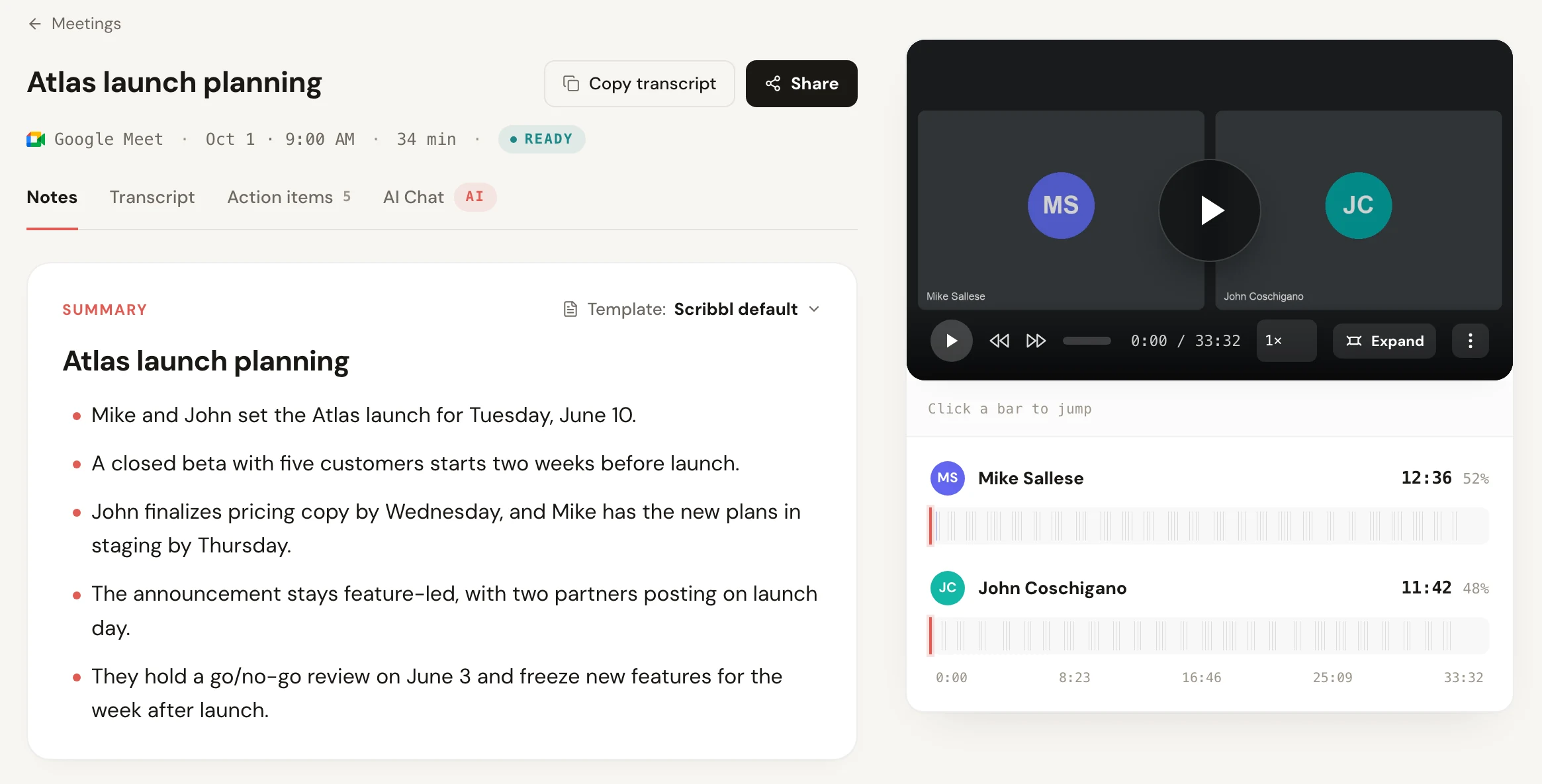
- Scribbl records your Zoom meetings with nothing joining the call and gives you the video, a transcript and AI notes. Free for 10 meetings a month.
Try Scribbl
Funny background, serious notes
Scribbl's desktop app records, transcribes, and summarizes your Zoom meetings from your own computer. No bot joins the call and you don't need to be the host. Free for 10 meetings a month, no credit card.
Get Scribbl for Zoom · It's freeHere are 20 funny Zoom backgrounds you can download for free: you at 9 AM vs you at 4 PM (a potato), a cat manager, a poster that says what everyone is thinking about the meeting, a bookshelf of meeting horror stories and more. We made every one of them ourselves, so you can use them in any meeting, for work or school, with no sign-up and no credit needed. Each one is a 1920 by 1080 JPG, and the jokes are about meetings, not people, so they're safe for work.
To use one in Zoom, save the image, then click your profile picture › Settings › Video & effects › Virtual backgrounds, click the add icon and pick the file. The steps for every device are below. Every Zoom fact on this page was checked on Zoom Support on November 25, 2026.
Scribbl, an AI note taker for Zoom, Microsoft Teams and Google Meet, makes this page. If you're on Teams, we made a different set of funny Teams backgrounds.
20 free funny Zoom backgrounds
Click an image to download the full-size JPG.
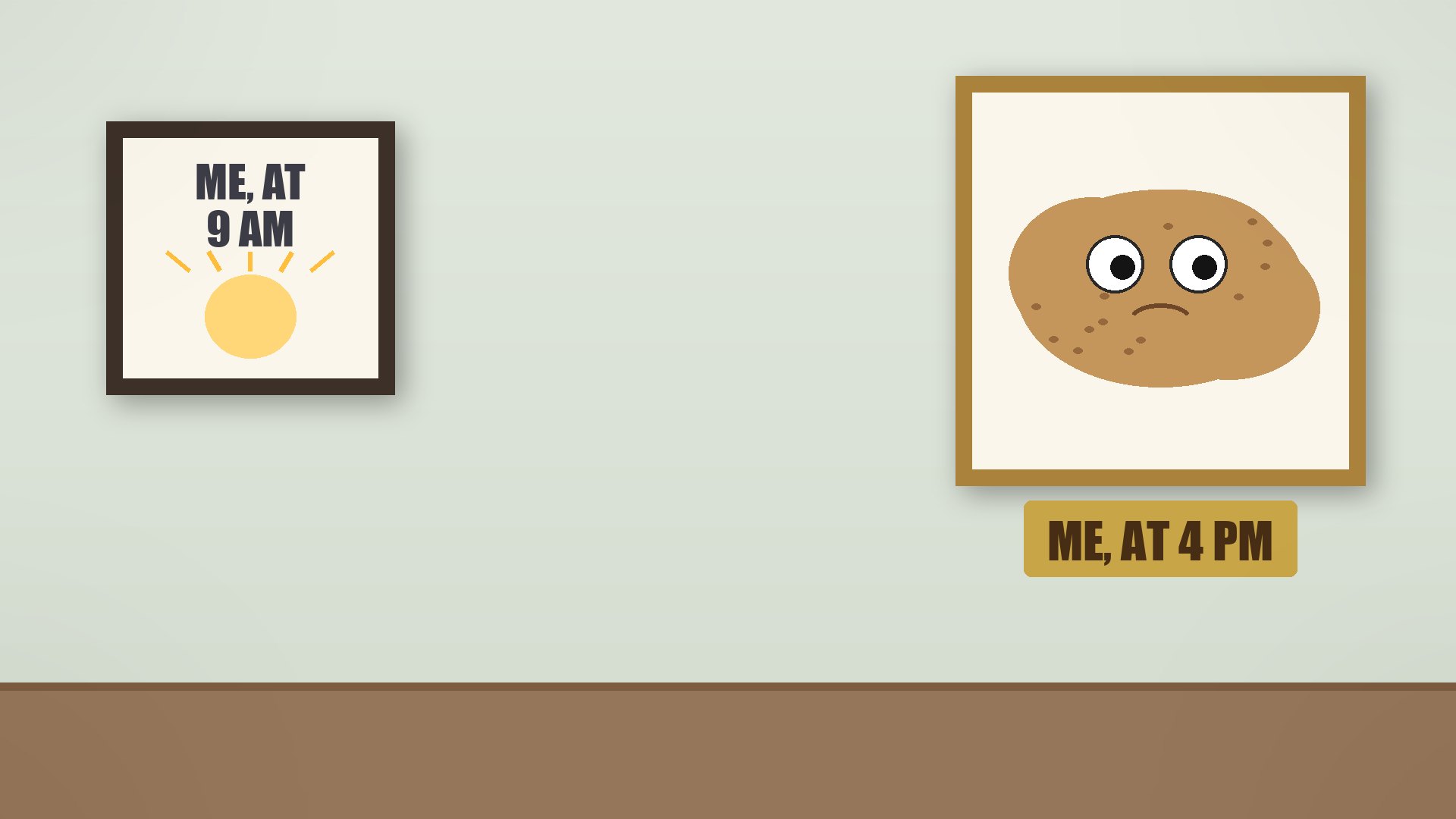 Me, at 9 AM vs me, at 4 PM. The sun, then a potato with googly eyes.
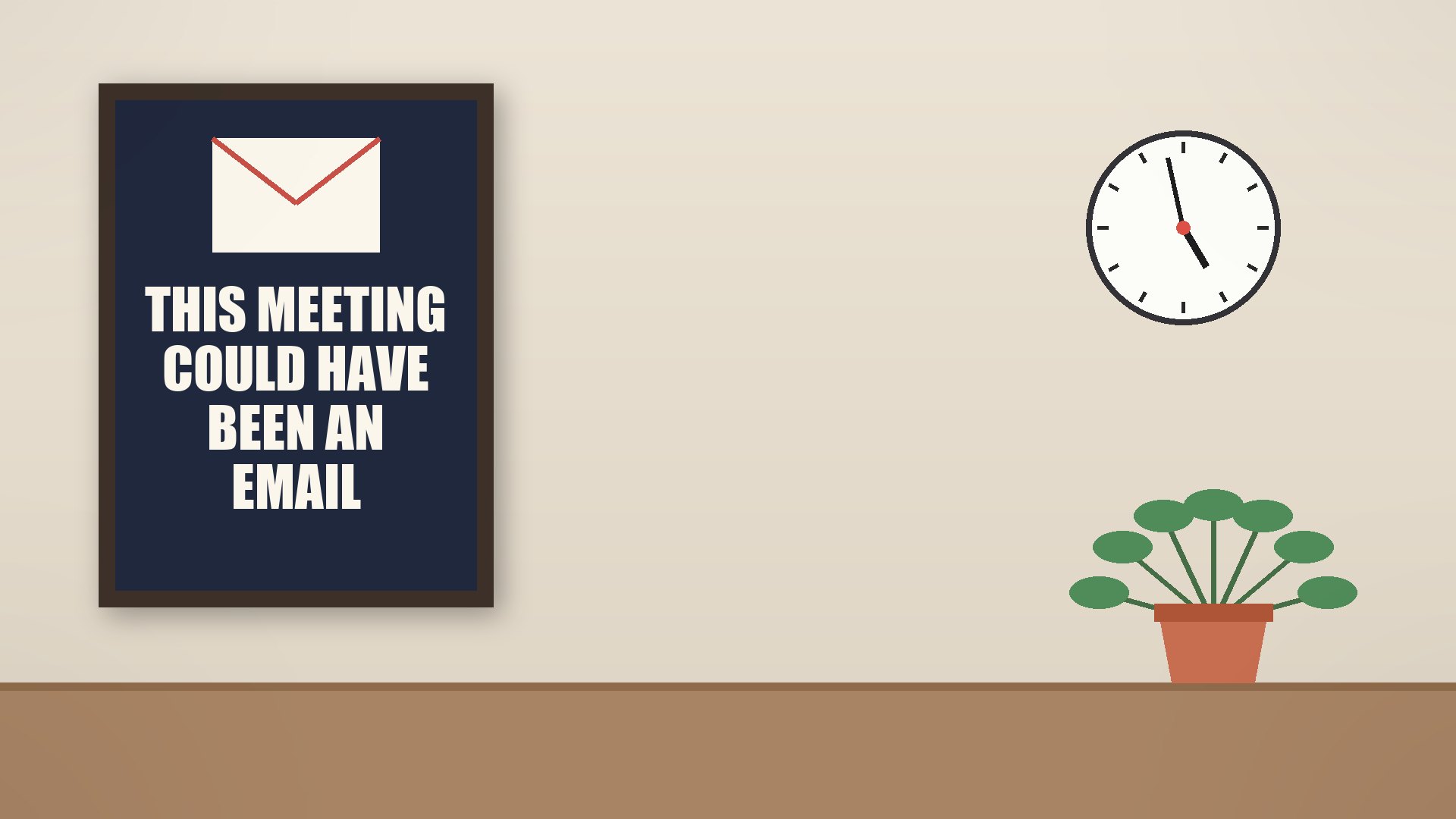 This meeting could have been an email. Said quietly, by a poster. The clock says 4:58.
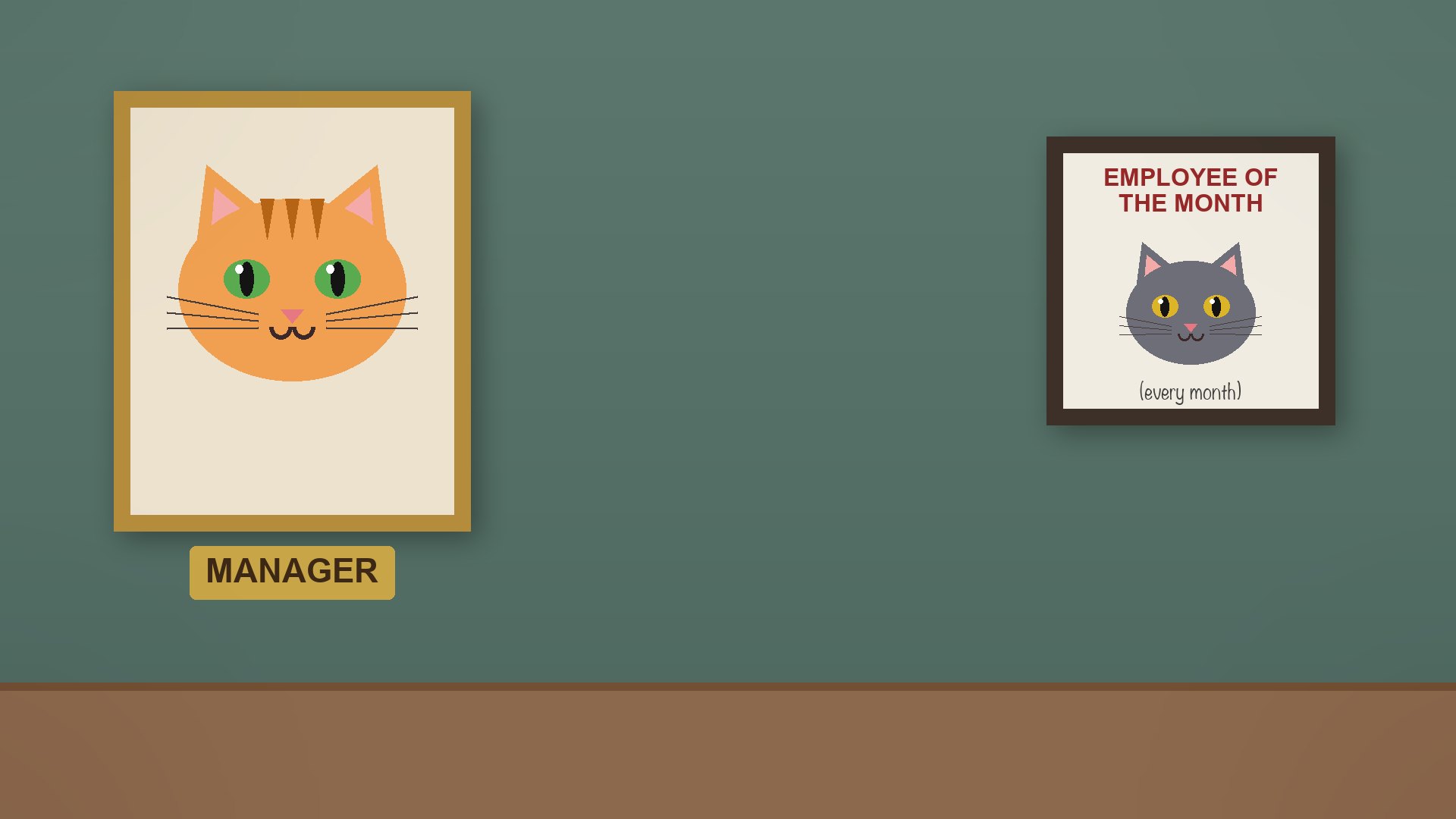 The cat manager. The real boss, framed. Employee of the month: also a cat, every month.
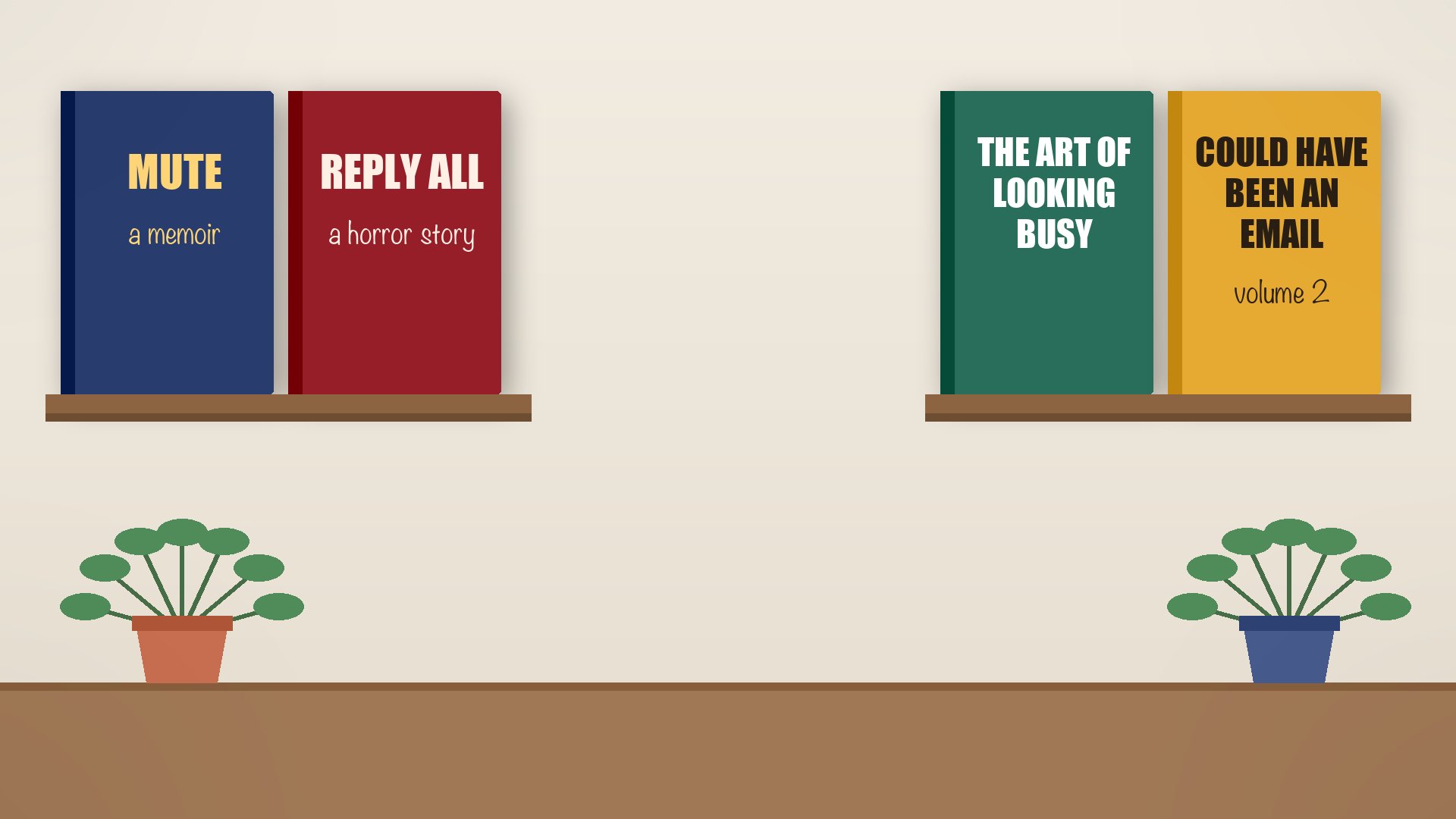 Books on my shelf. Mute: a memoir. Reply All: a horror story. The Art of Looking Busy.
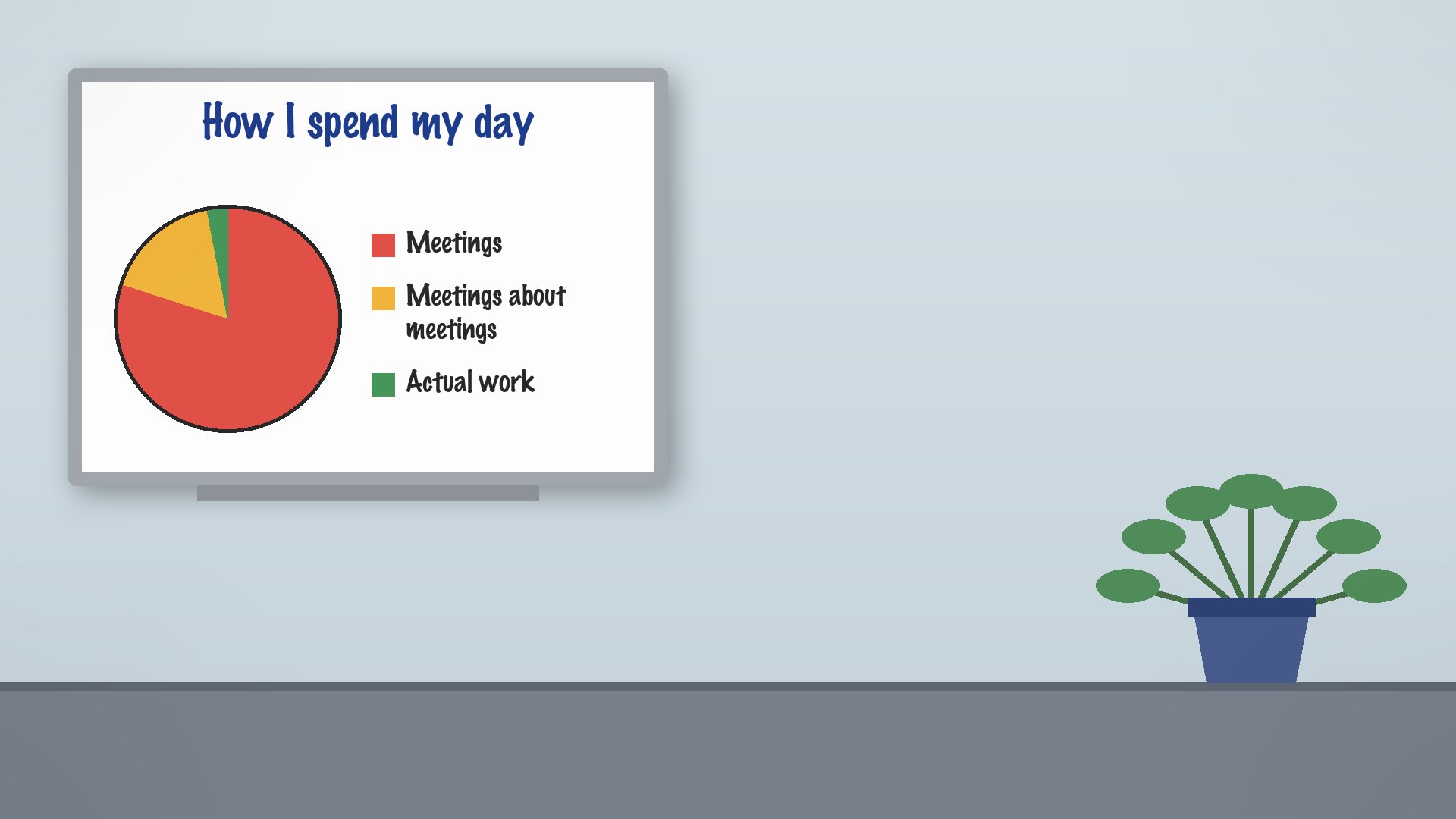 How I spend my day. A whiteboard pie chart: meetings, meetings about meetings, and a sliver of actual work.
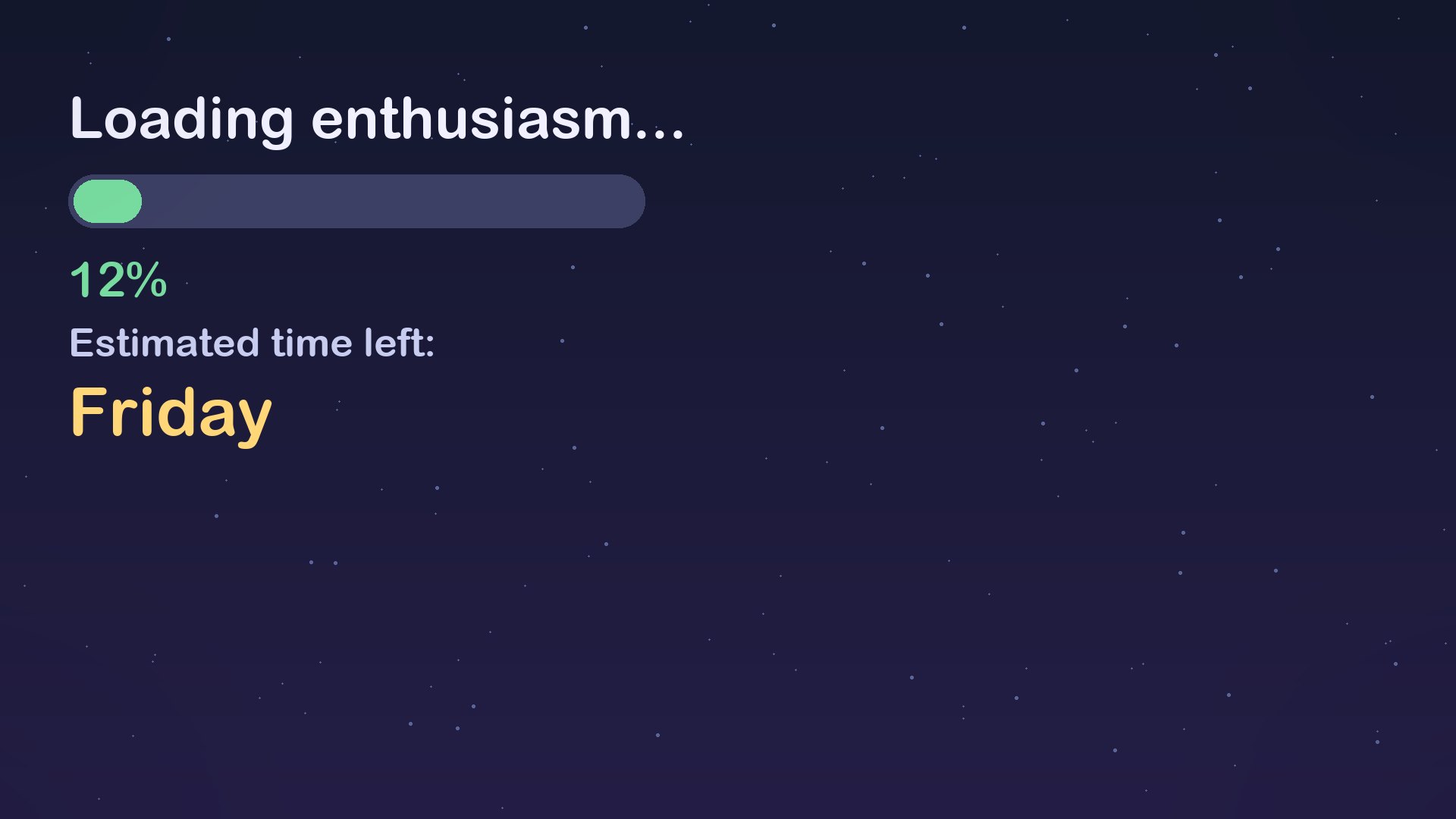 Loading enthusiasm. 12% done. Estimated time left: Friday. For Monday mornings.
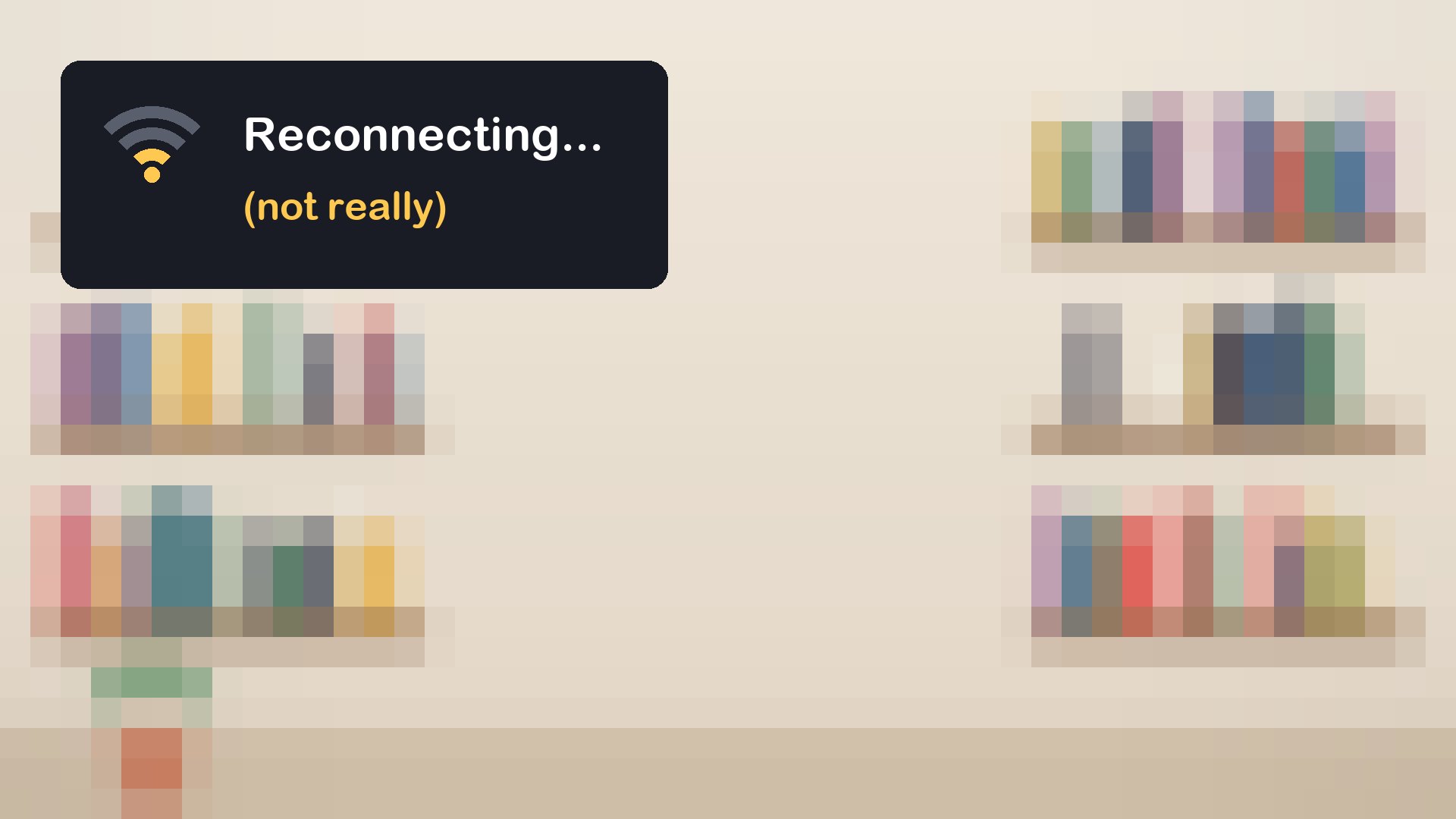 Reconnecting... (not really). A pixelated room for when you'd rather be on a bad connection.
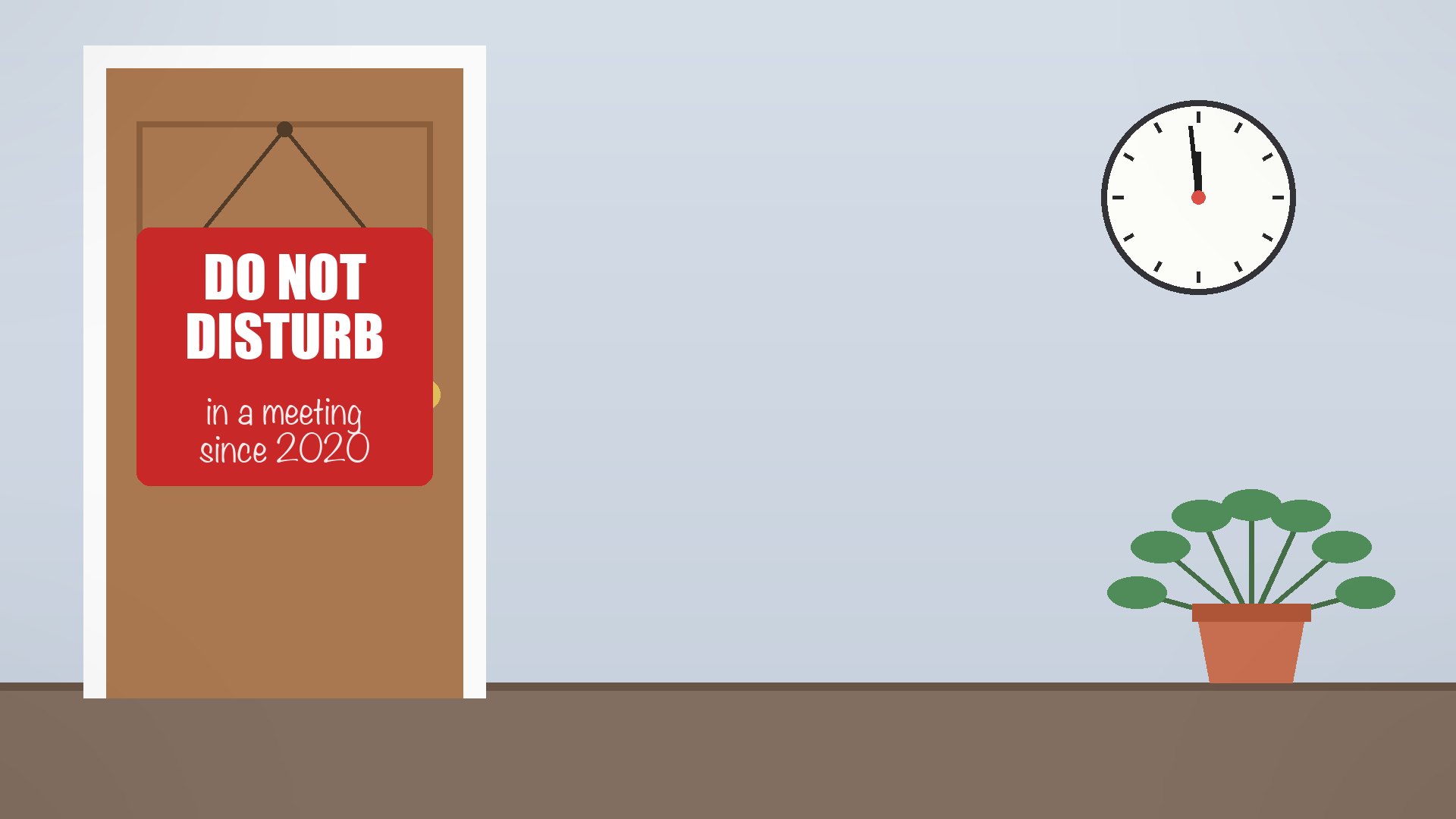 Do not disturb. In a meeting since 2020.
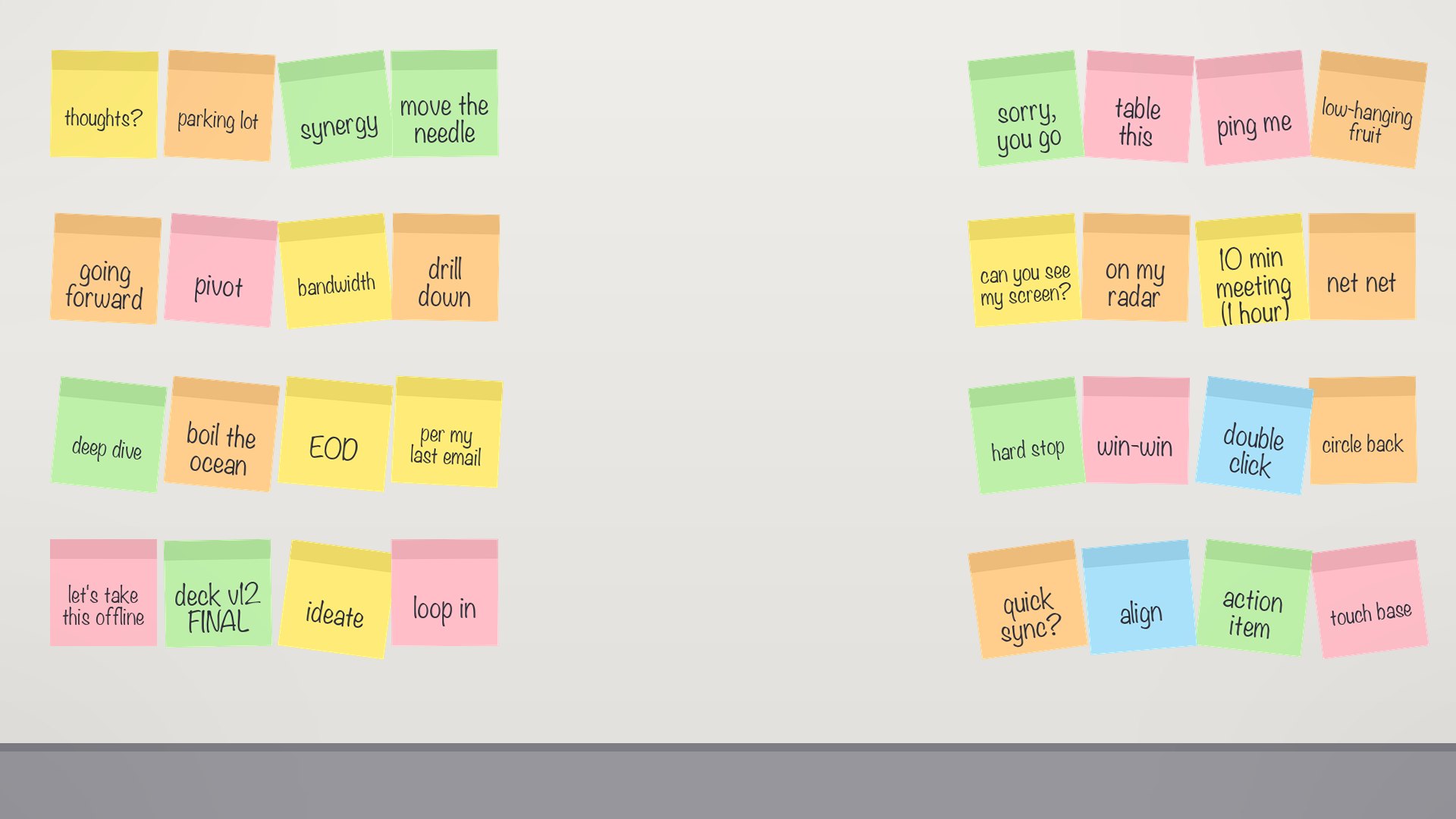 Buzzword wall. 32 sticky notes: circle back, boil the ocean, deck v12 FINAL. Bingo card optional.
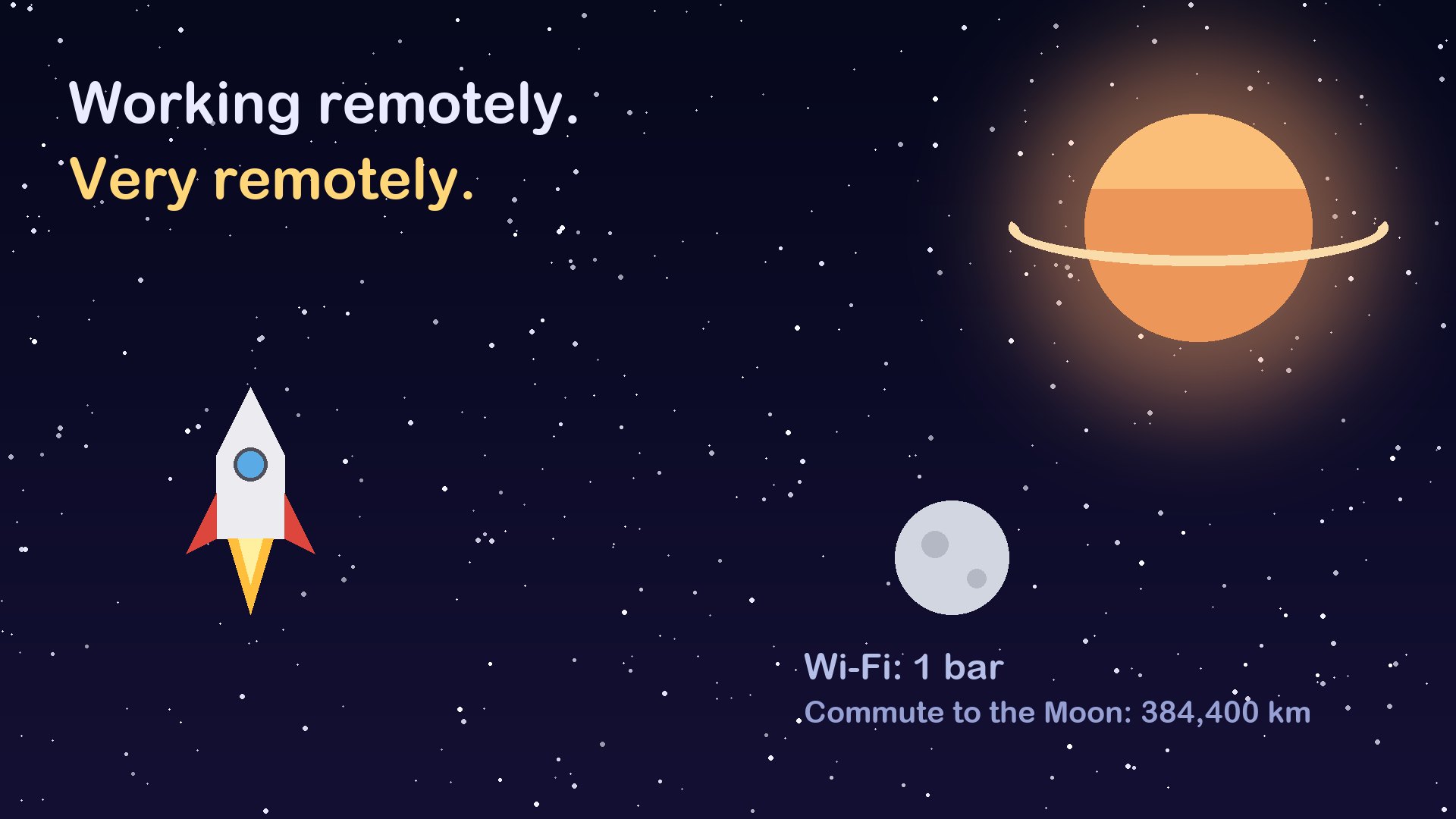 Working remotely. Very remotely. Wi-Fi: 1 bar. Commute: 384,400 km.
 Found the Q4 budget. It was at the bottom of the sea.
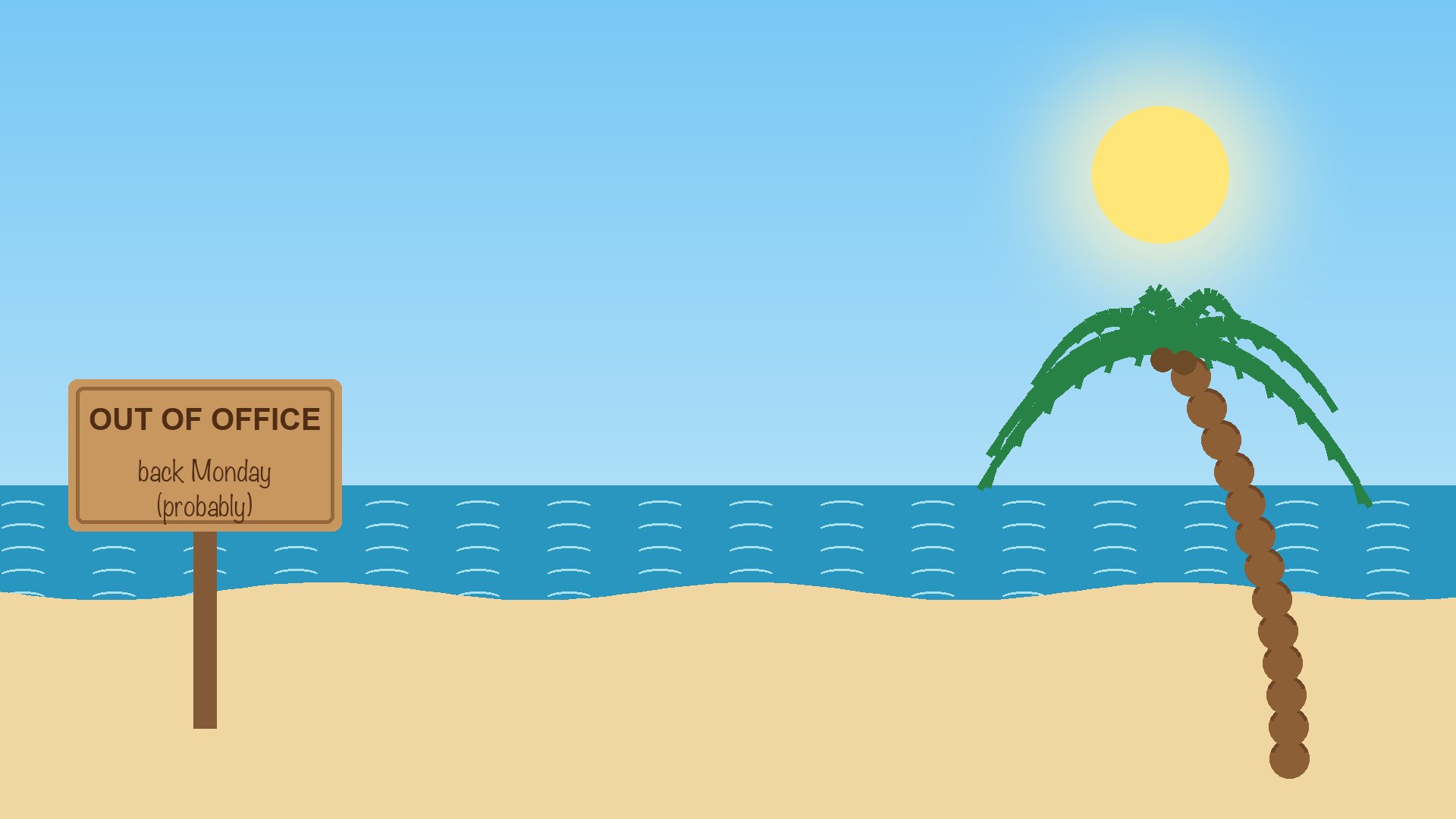 Out of office. A beach, a palm tree and a sign: back Monday (probably).
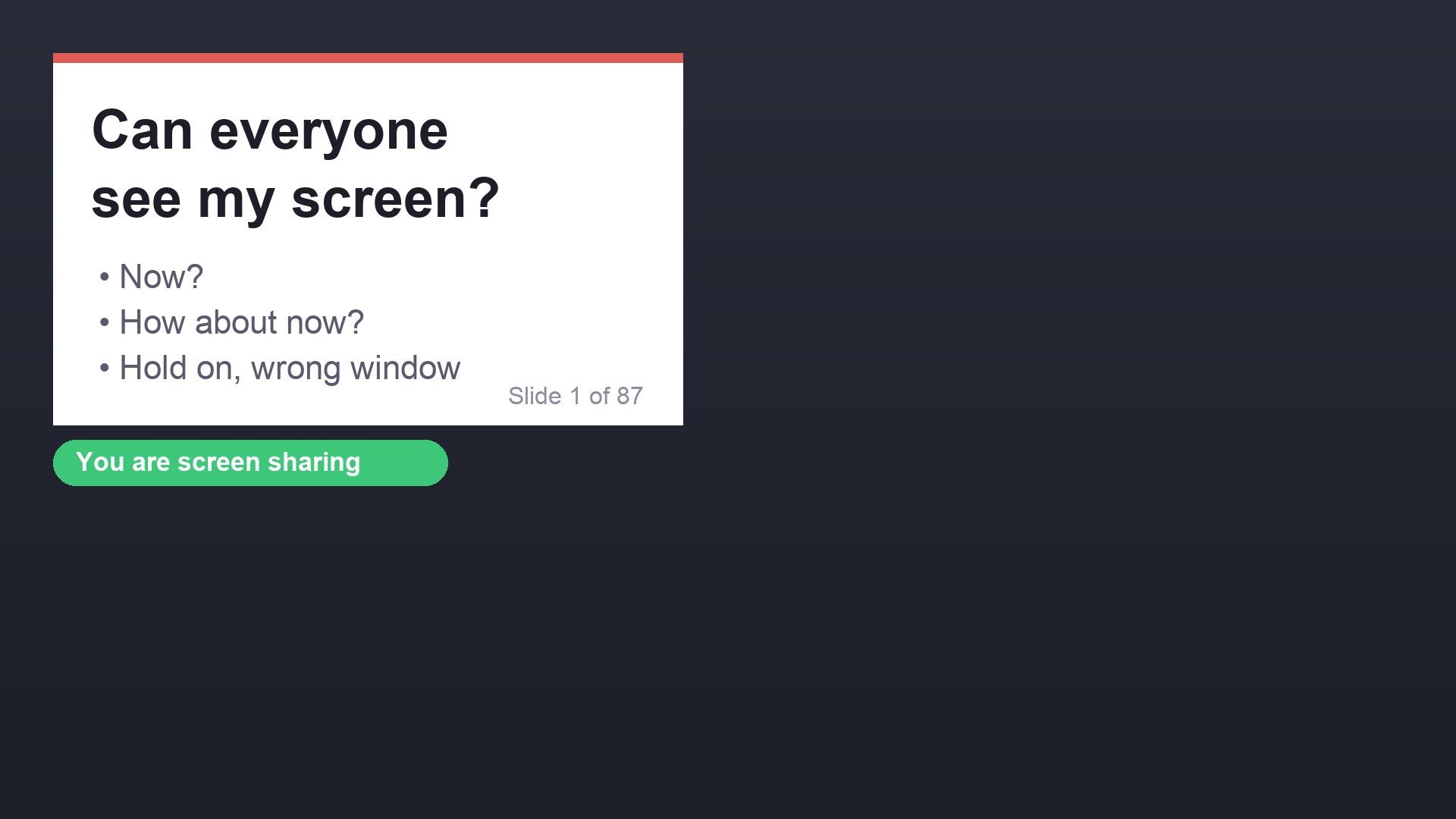 Can everyone see my screen? Now? How about now? Slide 1 of 87.
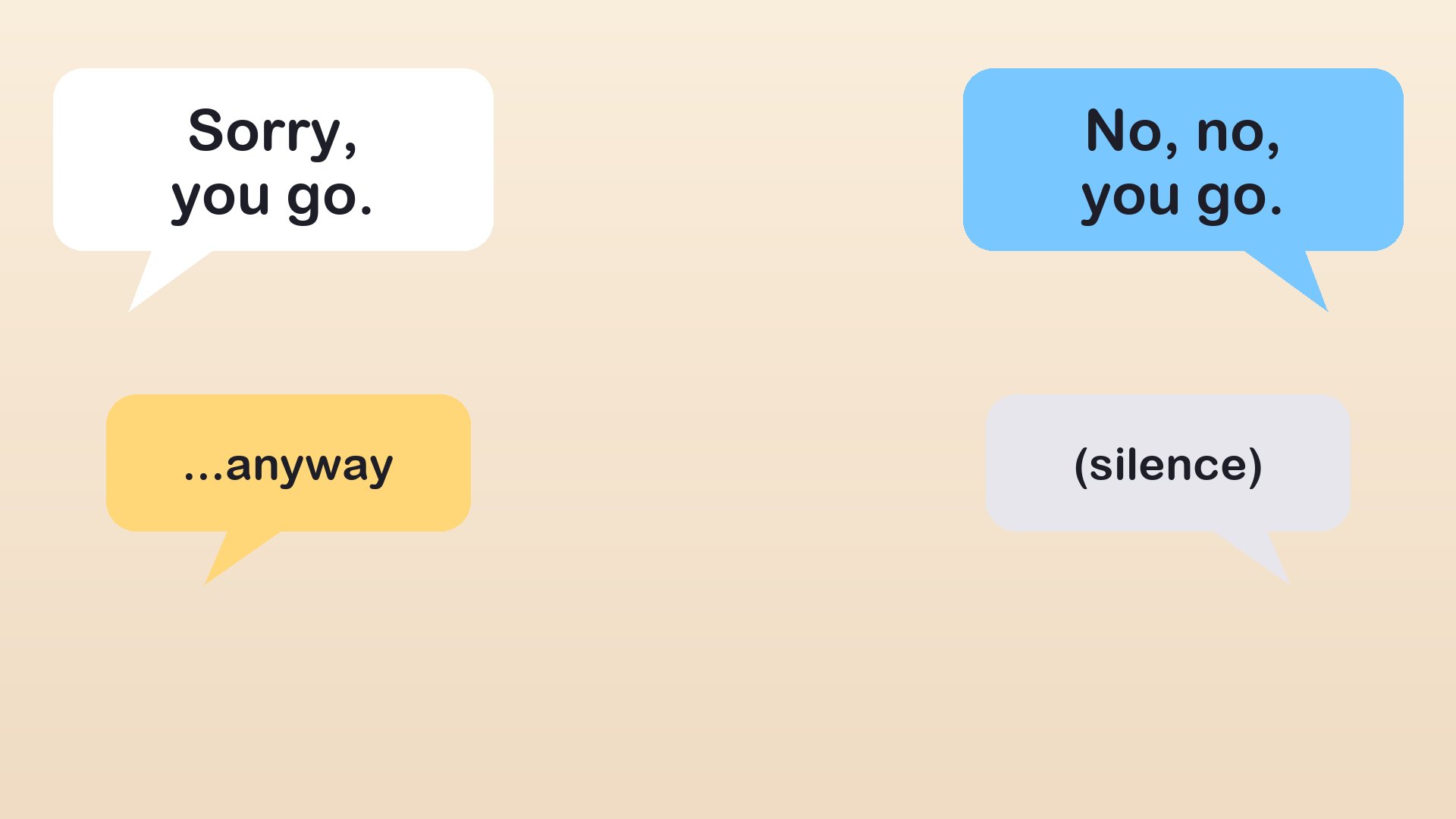 Sorry, you go. No, no, you go. ...anyway. (Silence.)
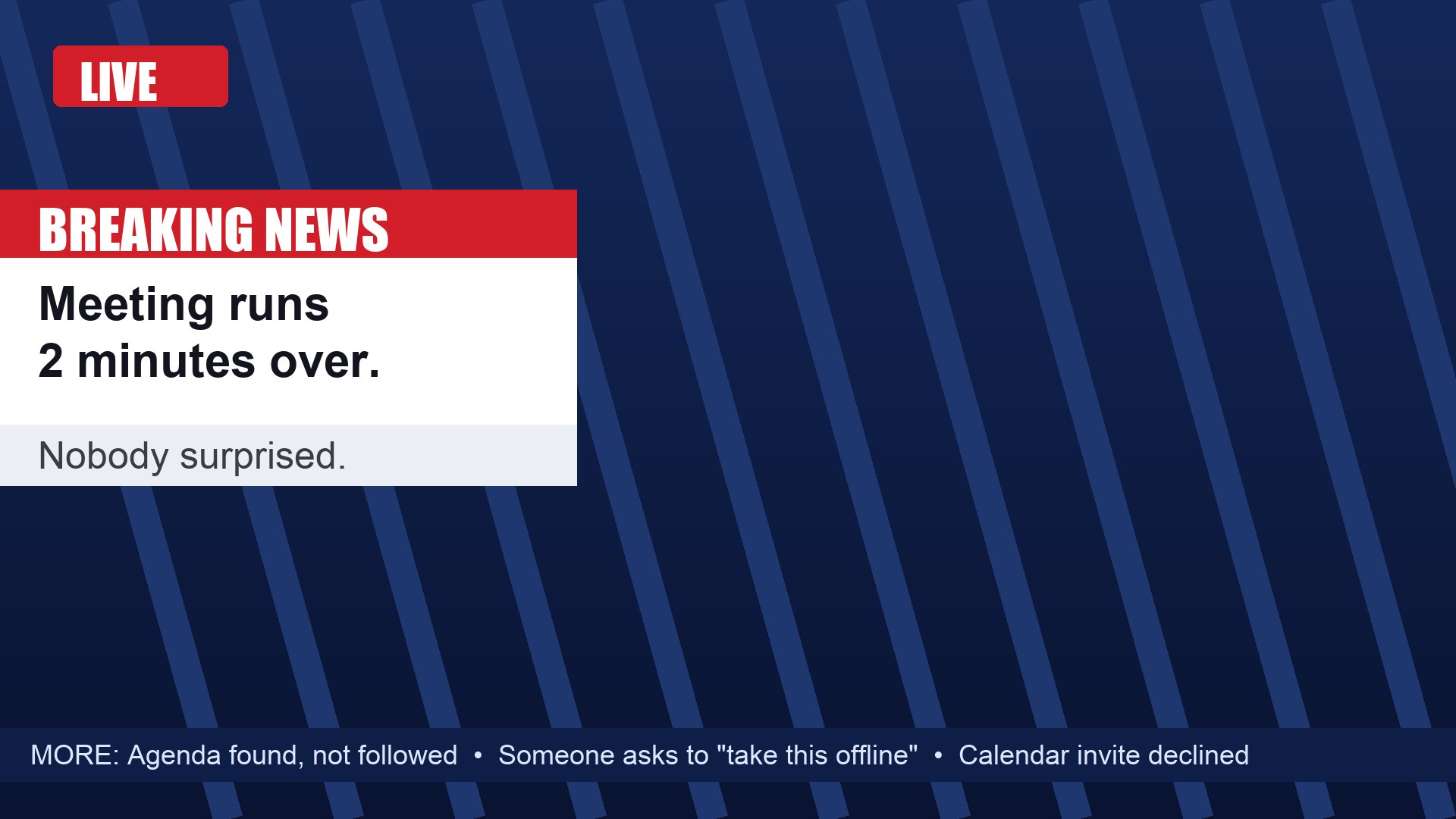 Breaking news. Meeting runs 2 minutes over. Nobody surprised.
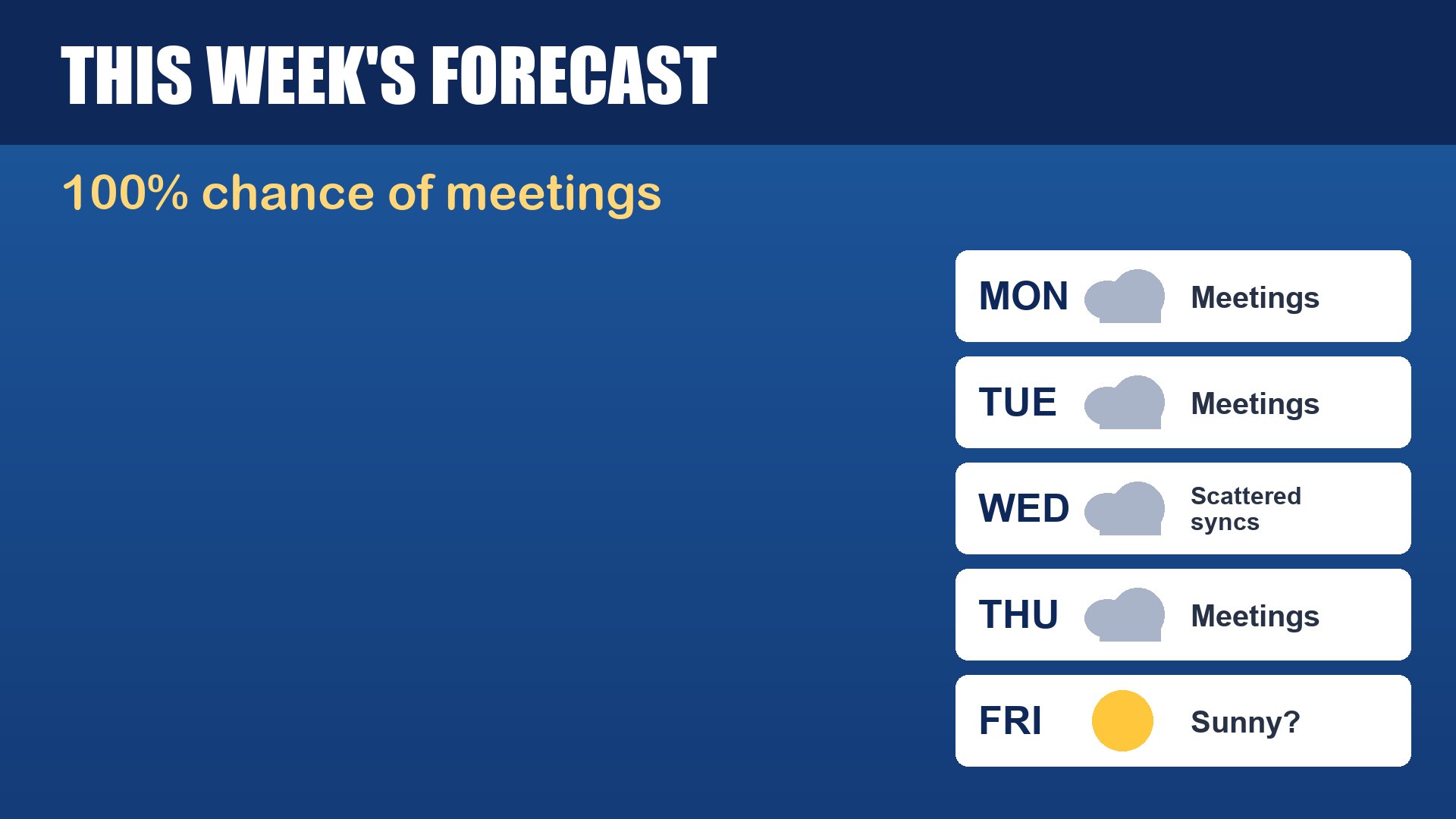 This week's forecast. 100% chance of meetings. Friday: sunny?
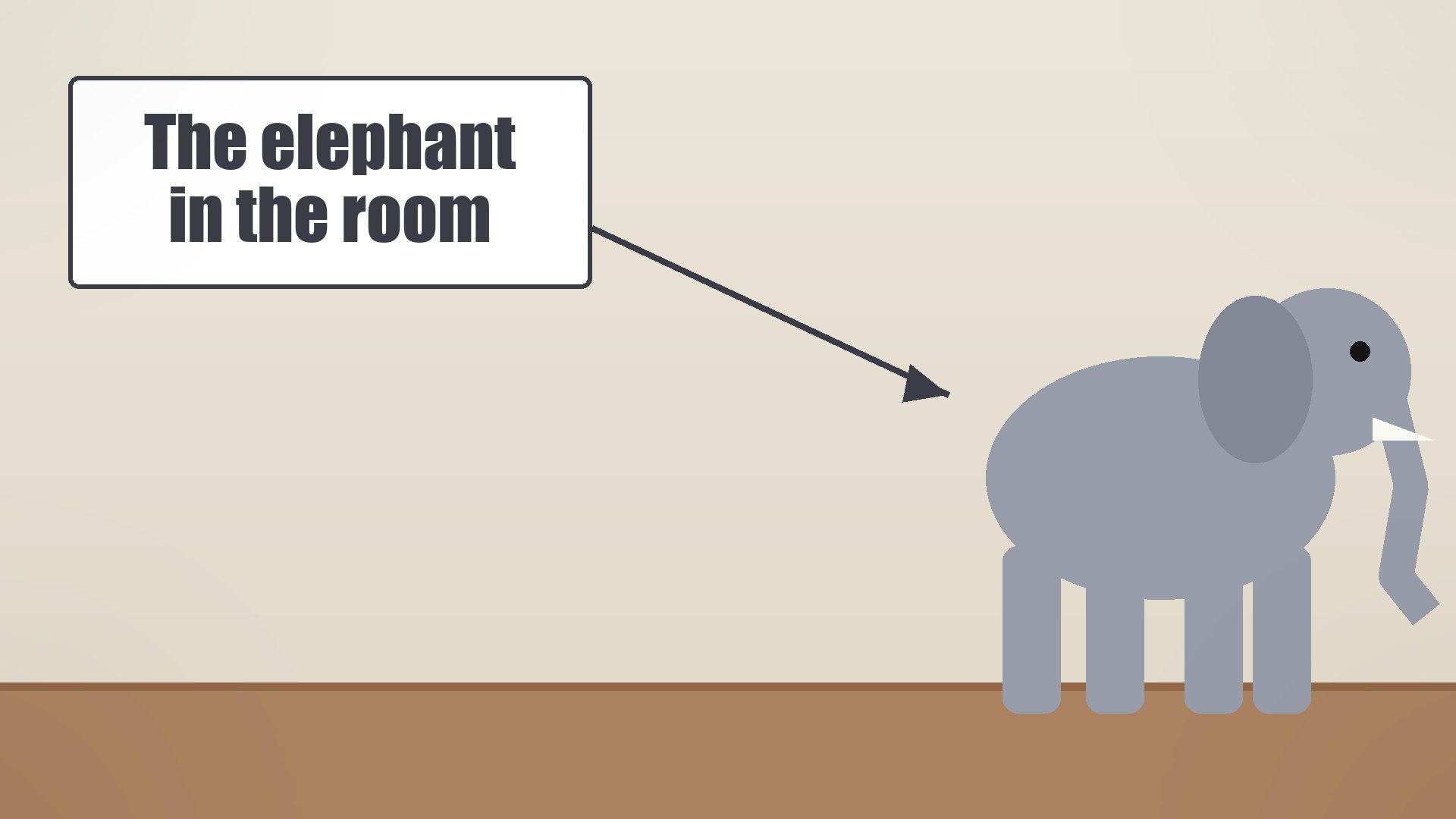 The elephant in the room. Labeled, so nobody has to bring it up.
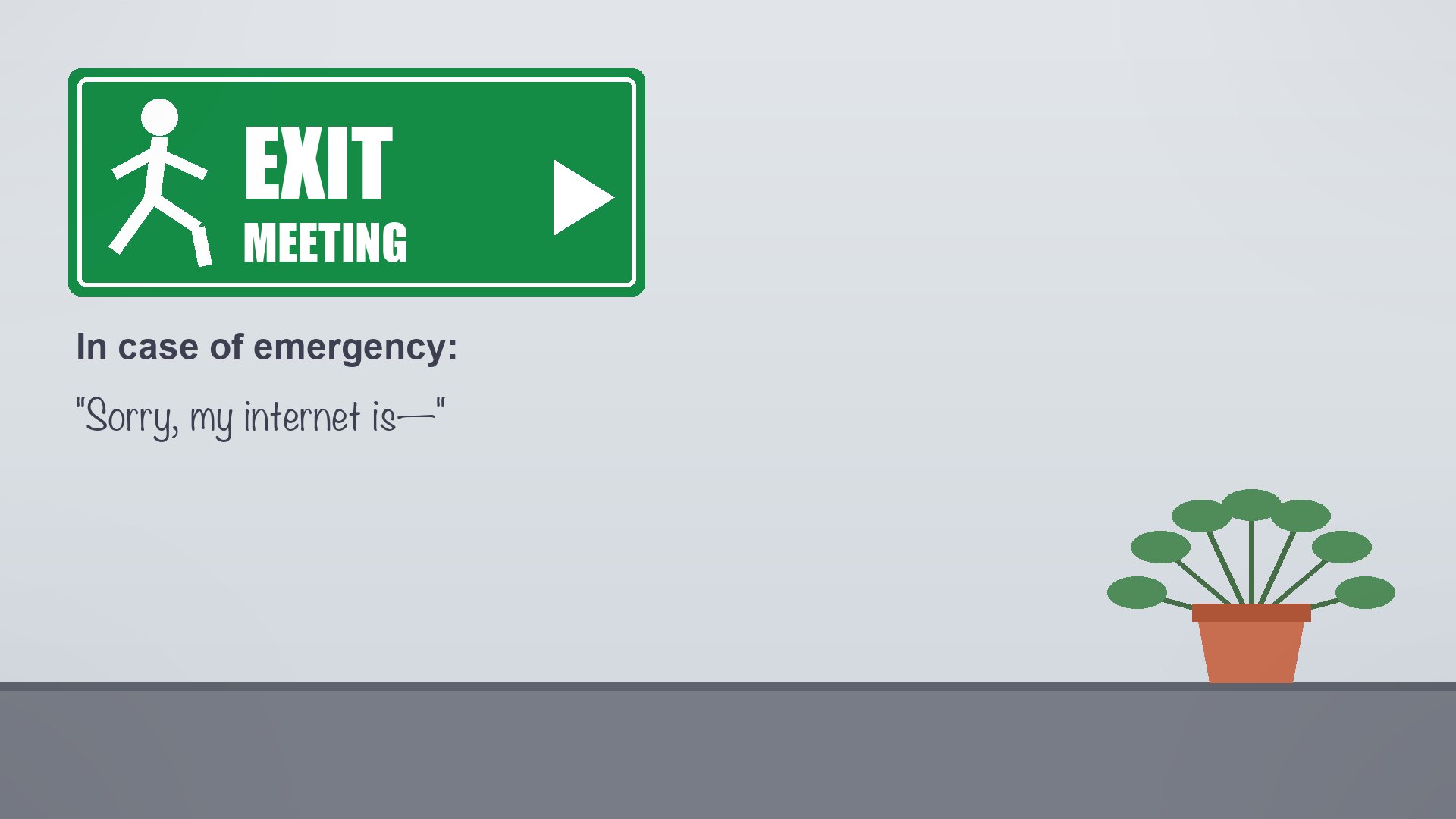 Exit meeting. In case of emergency: "Sorry, my internet is—"
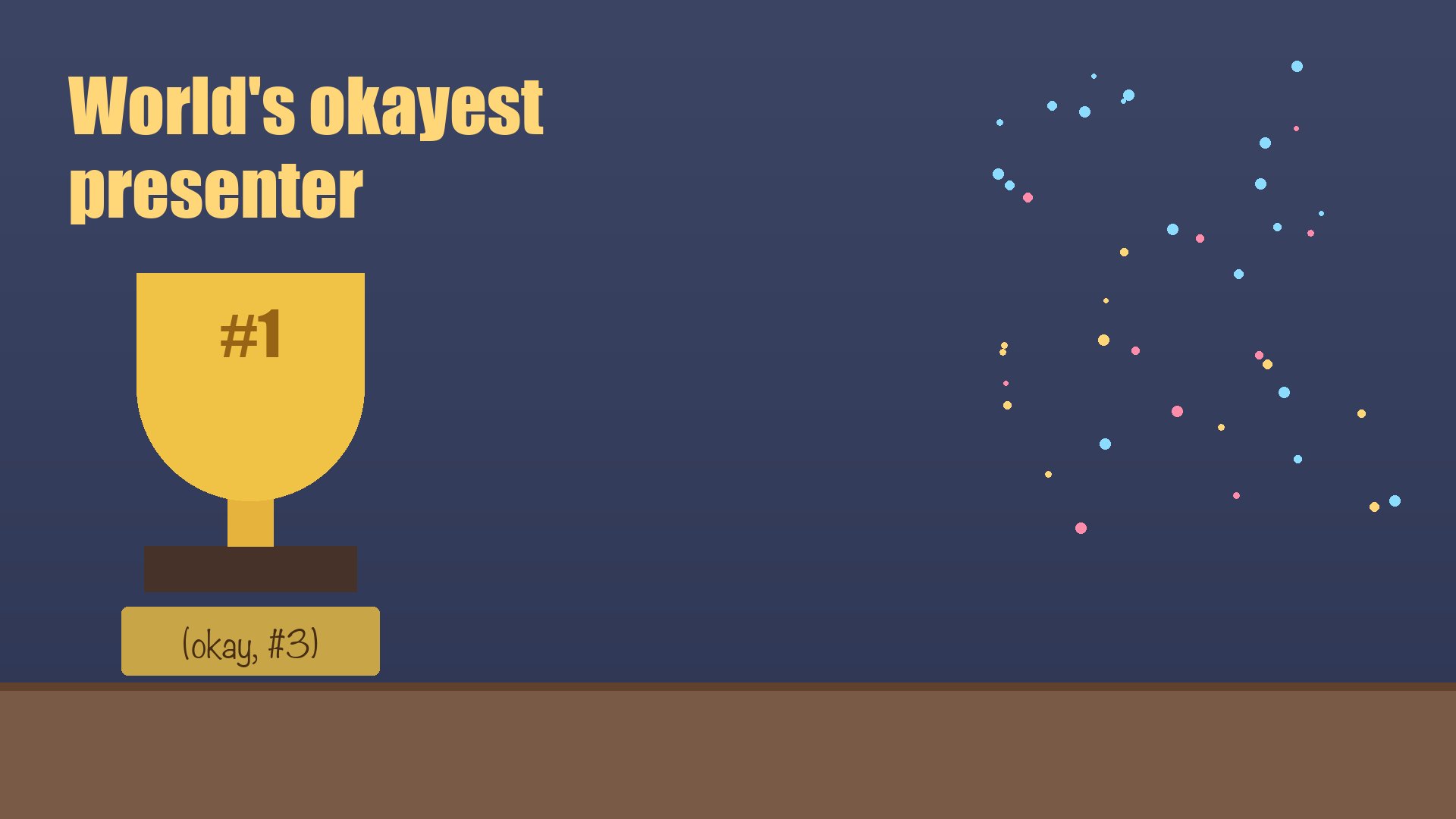 World's okayest presenter. The trophy says #1. The plaque says (okay, #3).
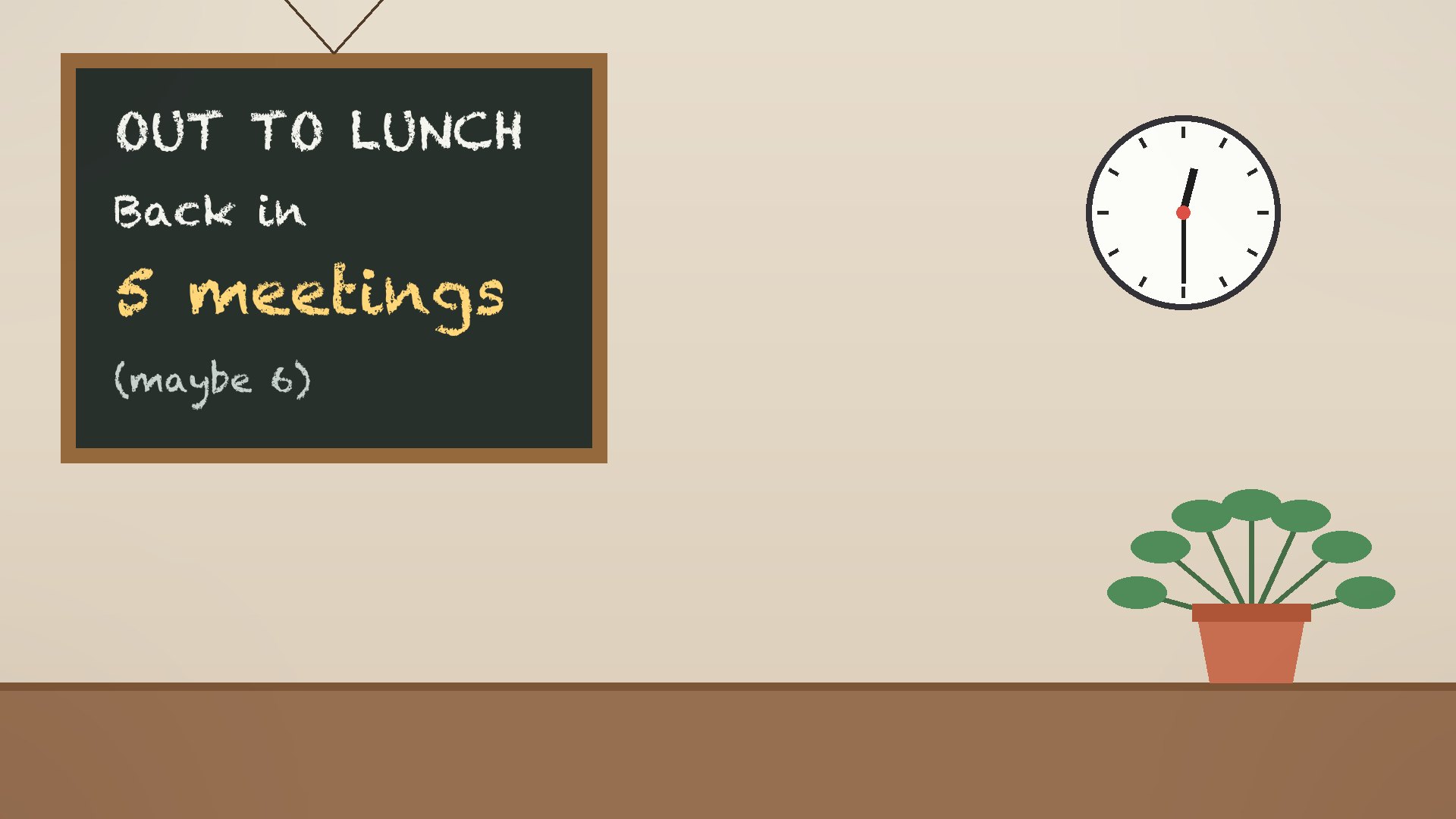 Out to lunch. Back in 5 meetings (maybe 6).
Want more? Zoom has its own free virtual background library with more backgrounds to pick from, mostly calm ones.
Free to use. We made all 20 backgrounds, so you can use them in Zoom, Microsoft Teams or Google Meet, for work, school or fun, without asking and without credit. Please don't sell them.
Which one for which meeting? The cat manager, the potato, the bookshelf, the beach and space are safe almost anywhere. The email poster, the pie chart, the buzzword wall and Do not disturb are best with your own team, where everyone is in on the joke. For a client call, an interview or your boss's boss, use a blur or a plain background instead.
How to add a funny background in Zoom
You need the image saved on your computer or phone first. Zoom calls these virtual backgrounds.
Zoom desktop app (Windows, Mac or Linux), before a meeting:
- Click your profile picture in the top-right corner, then Settings.
- Click the Video & effects tab, then the Virtual backgrounds tab.
- Click the add icon and choose the image you saved, then click it to use it.
During a meeting: in the meeting controls, click the arrow next to Video, then Video & effect settings. Open the Virtual backgrounds tab and click the add icon.
Zoom web app: click the up arrow next to Start Video (or Stop Video), then Choose Background, then the add icon.
iPhone, iPad or Android: in a meeting, tap More › Settings › Virtual backgrounds, then the + icon, and pick the image from your photos. On iPhone and iPad, you can also set it outside a meeting: profile picture › Settings › Video & effects › Background & effects.
The file: Zoom accepts 24-bit PNG or JPG images up to 15 MB. If you're not sure of your camera's shape, Zoom says to use an image of at least 1280 by 720 pixels, and to crop the image to match your camera. Ours are 1920 by 1080, the usual widescreen shape.
Why the words on your Zoom background look backwards
Zoom shows you your own video mirrored, like a mirror at home, so any writing on your background reads backwards to you. Zoom's own advice is to leave Mirror my video on: the words look backwards to you, but they read normally to everyone else in the meeting.
So don't flip the image. If you want to be sure, ask someone in the meeting whether they can read the sign.
Tips so a funny background still looks good
- Mind your head. You sit in the middle of the picture, so check your preview: if your head covers the joke, sit a little lower or move your camera. Most of ours put the words at the top or to one side.
- Plain light and a plain wall help. Without a green screen, Zoom has to work out where you end and the room starts. Zoom says that method gives less sharp edges and needs more from your computer. A light in front of you, not behind you, helps a lot.
- Read the room. A funny background works best when everyone can see you're joking. Swap it for a blur before an important call.
Zoom virtual background not working?
- The Virtual backgrounds tab is missing. It can be turned off for your account in Zoom's web portal. Zoom says that if the tab is missing after it was turned on, sign out of the desktop app and sign back in.
- You can't upload an image in the web app. Zoom says to contact your Zoom admin to turn the feature on.
- The edges flicker or parts of you disappear. Add light in front of you, sit against a plain wall, or turn on I have a green screen if you have one.
- The image looks stretched or cropped. Use a 16:9 image like ours, or crop yours to your camera's shape.
Funny background, serious notes: Scribbl
This section is about our own product. A funny background makes the meeting more fun. It doesn't help anyone remember what was decided. Scribbl records your Zoom meetings from the Zoom app on your own Mac or Windows computer, with Scribbl Desktop:
- Nothing joins the call. No bot shows up in the participant list next to your cat manager.
- You don't need to be the host or ask for recording permission in Zoom.
- After the meeting you get the video, a transcript with speaker names, AI notes and action items, so you can laugh at the background and still know who's doing what.
- The free plan includes Zoom, Microsoft Teams and Google Meet, with 10 meetings a month. Pro is $13 per user per month billed annually (pricing).
Tell everyone you're recording before you start; see do you have to tell people you're recording.
Get Scribbl for ZoomMore backgrounds: funny Teams backgrounds (20 different ones) and Google Meet backgrounds (8 calm ones for work). More Zoom how-tos: how to raise hand in Zoom, how to set up a Zoom meeting and how to record a Zoom meeting on a Mac.
Funny Zoom backgrounds FAQ
Where can I get funny Zoom backgrounds for free?
This page has 20 funny Zoom backgrounds we made ourselves, free to download and use in any meeting, for work or school, with no sign-up and no credit needed. Each one is a 1920 by 1080 JPG. Zoom also has its own default backgrounds in the Virtual backgrounds tab, and free photo sites have more.
How do I add a funny background to Zoom?
Save the image first. In the Zoom desktop app, click your profile picture, then Settings, then the Video & effects tab, then Virtual backgrounds. Click the add icon and pick the file. During a meeting, click the arrow next to Video, then Video & effect settings. On a phone, tap More, then Settings, then Virtual backgrounds, then the + icon.
Why is the writing on my Zoom background backwards?
Because Zoom mirrors your own video for you by default. Zoom says to leave Mirror my video on: the words look backwards to you but read normally to everyone else in the meeting. Only flip the image if other people tell you it looks backwards to them.
Can I use a funny Zoom background at work?
Usually, yes, in team meetings and casual calls. For client calls, interviews and anything formal, a blur or a plain background is safer. All 20 backgrounds on this page are work-safe: the jokes are about meetings, not about anyone.
What size should a Zoom background be?
Zoom accepts 24-bit PNG or JPG images up to 15 MB. If you don't know your camera's aspect ratio, Zoom says to use an image of at least 1280 by 720 pixels. The backgrounds on this page are 1920 by 1080, which fits a widescreen (16:9) camera.
Why can't I add a virtual background in Zoom?
The Virtual backgrounds tab can be turned off for your account. If it's missing after it was turned on in Zoom's web portal, Zoom says to sign out of the desktop app and back in. In the Zoom web app, if you can't add an image, Zoom says to contact your Zoom admin. Virtual backgrounds without a green screen also need more from your computer.
Are these Zoom backgrounds free to use?
Yes. We made them, and you can use them in any Zoom, Teams or Google Meet call, for work, school or fun, without asking and without credit. Please don't sell them.
Sources
- Zoom Support, Changing your virtual background image: file types (24-bit PNG or JPG), 15 MB limit, 1280 by 720 minimum, steps for the desktop app, web app, iPhone, iPad and Android, green screen and admin notes. Checked November 25, 2026.
- Zoom, Virtual backgrounds: leave Mirror my video on; words look backwards to you but read normally to others. Checked November 25, 2026.
- Scribbl's plans: scribbl.co/pricing.
Try Scribbl
Funny background, serious notes
Scribbl's desktop app records, transcribes, and summarizes your Zoom meetings from your own computer. No bot joins the call and you don't need to be the host. Free for 10 meetings a month, no credit card.
Get Scribbl for Zoom · It's freeTry Scribbl
Funny background, serious notes
Scribbl's desktop app records, transcribes, and summarizes your Zoom meetings from your own computer. No bot joins the call and you don't need to be the host. Free for 10 meetings a month, no credit card.
 Get Scribbl for Zoom · It's free