Is an AI Note Taker Legal? AI Transcription, Consent Rules and How to Do It Right (2026)
Yes, with the consent recording law requires: yours in most states, everyone's in about a dozen. Work policies, the Otter lawsuit and how to do it right.
Updated October 19, 2026
The short answer
Checked against the federal statute, the Reporters Committee for Freedom of the Press recording guide and the Otter court docket, October 19, 2026. General information, not legal advice.
Yes. An AI note taker is legal in the United States when you have the consent recording law requires: your own under federal law and in most states, everyone's in about a dozen all-party consent states.
- Is AI transcription legal?
- Treat a transcript like a recording. The tool captures the conversation to transcribe it, so the same consent rules apply.
- One-party states and federal law
- You can record a conversation you're part of. Your consent counts.
- All-party states
- Everyone has to agree: California, Florida, Illinois, Maryland, Massachusetts, Pennsylvania, Washington and a few more.
- At work
- The law is the same, but your employer's policy can ban note takers or require notice. Check it.
- The Otter lawsuit
- A class action alleges Otter's bot recorded non-users without consent. Nothing decided yet.
- The safe way
- Say you're recording at the start and get a yes. Scribbl puts nothing in the call, so you're the one who tells people.
Yes, an AI note taker is legal in the United States when you have the consent recording law requires: your own under federal law and in most states, and everyone's in about a dozen all-party consent states such as California, Florida, Illinois and Pennsylvania. Scribbl, which we make, keeps that simple: nothing joins the call, you tell people you're recording in your own words, and every Google Meet, Zoom or Microsoft Teams meeting comes back with the video, a transcript with speaker names, AI notes and action items.
The rest of this page covers whether AI transcription counts as recording, the one-party and all-party consent rules, what changes at work, what the Otter lawsuit alleges, and the habits that keep you on the right side of both rules. It covers US law, checked October 19, 2026, and it's general information, not legal advice; for a real situation, check your state's statute or ask a lawyer. For penalties and the state-by-state detail, see is it illegal to record a conversation and the one-party consent states list.
Is an AI note taker legal? The short answer by situation
| Your situation | Is an AI note taker legal? |
|---|---|
| You're in the meeting, and everyone is in a one-party state | Yes. Your own consent is enough. |
| You're in the meeting, and anyone is in an all-party state | Only if everyone agrees. |
| You send a bot to a meeting you don't attend | Only if someone in the meeting consented. You're not a party to it. |
| A video call with people in several states or countries | Assume the strictest rule applies. Tell everyone and get a yes. |
| At work | The consent law applies, and your employer's policy can add rules. |
| You plan to use the recording to commit a crime or a tort | No, even with one-party consent. |
Is AI transcription legal?
Yes, under the same rules as recording. The federal wiretap statute makes it a crime to "intercept" a wire, oral or electronic communication without the consent the law requires, and the exception that makes most recording legal says it's not unlawful "where such person is a party to the communication or where one of the parties to the communication has given prior consent" (18 U.S.C. 2511(2)(d)). An AI transcription tool has to capture the conversation to turn it into text, so treat the transcript exactly as you'd treat the audio: the consent question is the same, whether the tool keeps the recording afterward or not.
That cuts both ways. A tool that deletes the audio and keeps only the transcript doesn't skip the consent rule. And a tool that keeps the video doesn't add a legal step; it just gives you something to check the notes against.
The consent rule: one-party or all-party
Most US recording law follows one of two rules, and which one covers the people in your meeting is most of the answer.
- One person in the conversation has to agree, and that person can be you.
- The rule in federal law and in most states, including New York and Texas.
- Never lets you record, or send a note taker to, a meeting you're not part of.
- Everyone in the conversation has to agree.
- The Reporters Committee lists California, Delaware, Florida, Illinois, Maryland, Massachusetts, Michigan, Montana, New Hampshire, Pennsylvania and Washington.
- When you can't be sure where people are, follow this rule.
A few states split the rule by kind of conversation: the Reporters Committee's guide says Missouri and Oregon need everyone's consent in person but one person's on the phone, Connecticut and Nevada the other way round, and Hawaii and Maine only in especially private places. Sources count the all-party states differently, from 11 to 15, which is why we keep the full list on one page.
Two things make video meetings different from a phone call:
- People in several states. When a call crosses state lines, the stricter state's law can apply to you. The Reporters Committee tells journalists to "assume that the stricter state law will apply," and in Kearney v. Salomon Smith Barney (2006) California's Supreme Court held that California law protected California callers even though the firm recording them was in Georgia, a one-party state.
- The platform's notice isn't your consent. Zoom, Google Meet and Teams show a notice when their own Record button is used, and some bots post a chat message. The notice tells people something started. It doesn't show that everyone agreed, and people who join late never see it.
So the safe habit is the same under both rules: say you're recording at the start, ask if everyone is okay with it, and repeat it for late joiners.
Do it the right way with Scribbl
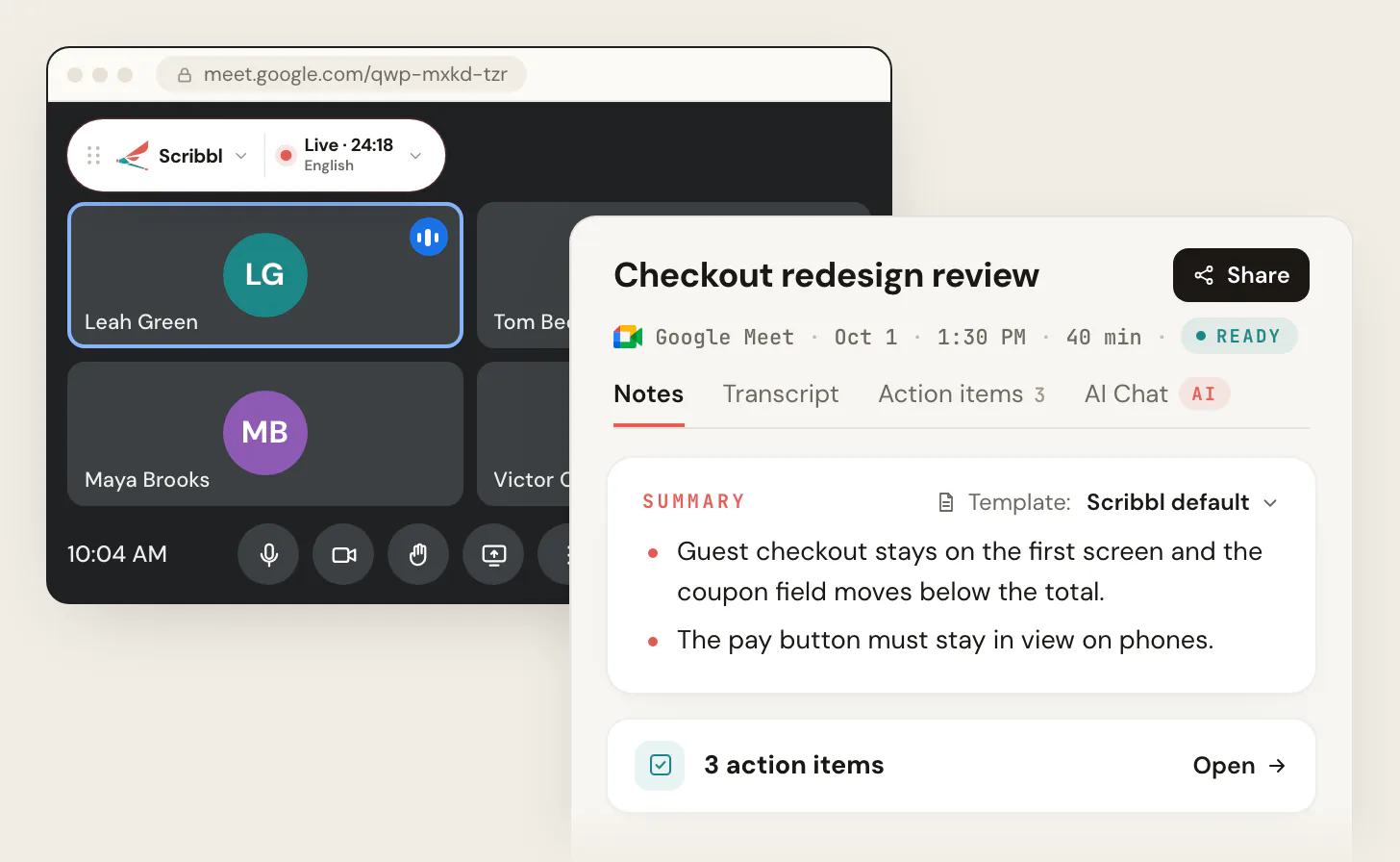
That consent conversation is easiest when you're the one having it. Scribbl puts nothing in the call, so there's no bot for people to notice later and no chat message to rely on; you say it, in your own words, and then the work gets done:
- 1
Add Scribbl
The Chrome extension for Google Meet. Scribbl Desktop for Zoom and Microsoft Teams, on Windows or a Mac with Apple silicon. Put "This meeting will be recorded for notes" in the calendar invite.
- 2
Join as usual and say it at the start
"I am recording this so I can get the transcript and notes afterward. Is everyone okay with that?" Scribbl starts when the meeting opens, whether or not you are the host. Nothing joins the call. If someone objects, turn it off.
- 3
Open the meeting in Scribbl
The video, the transcript with speaker names, AI notes and action items are there when the call ends. Recordings are private by default, so you decide who sees them.
The free plan includes Google Meet, Zoom and Microsoft Teams, with 10 meetings a month. Start free.
Is an AI note taker legal at work?
The consent law is the same at work. What changes is that your employer gets a say.
- Company policy. Employers can prohibit recording and can decide which tools are allowed, and breaking that policy can get you disciplined or fired even when the recording itself is legal. SHRM's guidance to employers is to have "a clear policy prohibiting unauthorized photography or audio or video recording" in place before acting on it, and to tell everyone in a group meeting at the start that it's being recorded.
- Limits on bans. In Whole Foods Market Group, 363 NLRB No. 87 (2015), the National Labor Relations Board found a blanket no-recording rule unlawful because it stopped employees from documenting safety, discrimination or harassment concerns, activity the National Labor Relations Act protects when "employees are acting in concert for their mutual aid and protection and no overriding employer interest is present" (Polsinelli's summary). Employers can still write narrower policies.
- IT controls on bots. Microsoft Teams now detects outside note-taker bots and, by default, holds them in the lobby "irrespective of the lobby configuration for the meeting" until an organizer admits them, and reminds organizers of the risk (Microsoft Learn, updated July 2026). If your company runs Teams, a bot-based note taker may need an admin's permission to get in at all. Scribbl Desktop records from your own computer, so there's no bot for the policy to catch; you still follow your company's rules on recording.
- Customer and client calls. You usually don't know the other person's state, so say it at the start. The Kearney case came from a company recording client calls.
If you're the one setting policy, see the Otter lawsuit for what the courts are being asked to decide about bots, and is Otter AI safe for what the big vendors' policies say about who sees the notes and whether your meetings train their AI.
What the Otter lawsuit alleges
The case people mean when they ask whether AI note takers are legal is In re Otter.AI Privacy Litigation, No. 5:25-cv-06911, a proposed class action in the U.S. District Court for the Northern District of California. The consolidated complaint alleges, and Otter denies, that:
- Otter's Notetaker bot joined meetings on its own from account holders' calendars and recorded people who don't use Otter, without their consent.
- A participant named "[Your Name]'s Notetaker (Otter.ai)" gave no real notice that the meeting was being recorded and stored on Otter's servers.
- Otter created voiceprints of the people it recorded, without the written consent Illinois' biometric privacy law requires.
- Otter used the recordings to train its speech recognition models.
On August 13, 2026, Judge Eumi K. Lee denied most of Otter's motion to dismiss, so the federal Wiretap Act, California Invasion of Privacy Act and Illinois Biometric Information Privacy Act claims go forward; some other claims were dismissed. Otter filed its answer on September 17, 2026, admitting that Notetaker "appears as a participant in meetings that it is allowed to join" and denying the rest. The case is in discovery, no class has been certified, and no court has ruled that Otter broke the law. Fireflies faces similar proposed class actions in Illinois over voiceprints. Full detail, dates and sources are in our page on the Otter lawsuit.
What the case tests is the exact question on this page: whether a bot in the participant list is consent. Until a court answers it, don't rely on the bot. Say it yourself.
What joins the call, tool by tool
The consent conversation looks different depending on whether something joins the meeting. From each company's own pages, checked October 19, 2026:
| Feature | Scribbl | Otter | Fireflies | Fathom |
|---|---|---|---|---|
| Something in the participant list | No, on Google Meet, Zoom and Teams | Notetaker bot; desktop app records without one | Notetaker bot; desktop app records without one | Notetaker bot on Teams and Windows; bot-free modes on Mac |
| Can join a meeting you skip | No bot to send | Yes, from your calendar | Yes, from your calendar | No, only if you are on the call |
| Who tells people | You, in your own words | Bot name plus a chat message | Bot name plus a chat message | Bot name, or a chat message bot-free |
| Your meetings used to train AI | Not for anyone other than you | Yes, de-identified, per Otter's privacy policy | No, per Fireflies | See Fathom's policy |
| Privacy class action pending | None | Yes, core claims going forward | Yes, Illinois biometric claims | None found |
How to use an AI note taker legally
These steps satisfy both consent rules and most company policies.
- Put it in the invite. "This meeting will be recorded for notes. Let me know if you have concerns." People can raise them before the call.
- Say it at the start. "I'm recording this so I can get the transcript and notes afterward. Is everyone okay with that?"
- Get a yes. A clear yes on the recording is the best proof of consent in an all-party state.
- Repeat it for late joiners. Anyone who missed the start didn't hear you, and never saw the chat message.
- Stop if someone objects. Turn it off, or take written notes instead.
- Don't send a note taker to a meeting you skip. You're not a party to that conversation, so your consent doesn't count. (With Scribbl there's no bot to send.)
- Keep the notes private. Share the recording and transcript only with people who were there or need them. Scribbl keeps recordings private by default.
- Check your company's policy. A legal recording can still break a work rule.
Lines you can paste:
- Start of a call: "Quick heads-up, I'm recording this meeting so I can get the transcript and notes afterward. Everyone okay with that?"
- Formal or external meeting: "Before we begin, I'd like to record this meeting for accurate notes. It will be shared only with the people on this call. Does anyone object?"
- Meeting chat: "FYI, I'm recording today's call for notes. Say so now if you'd prefer I didn't."
Scribbl: the note taker built for that conversation
The legal rule is simple: be in the conversation, tell everyone you're recording, and get their agreement. Scribbl fits it:
- Nothing joins the call. A Chrome extension for Google Meet, and Scribbl Desktop for Windows and Macs with Apple silicon for Zoom and Microsoft Teams. No bot in the participant list, nothing to admit, and nothing turns up in meetings you didn't attend.
- You're the one who tells people, in your own words, at the start.
- Private by default. Recordings are private, and Scribbl doesn't use your meetings to train AI for anyone other than you.
- The work gets done. Every meeting comes back with the video, a transcript with speaker names, AI notes and action items. Smart Collections sort meetings by themselves, and Automations draft the follow-up email, log a note in HubSpot or Pipedrive, or post to Slack or Teams, asking before they change anything by default. On Pro, ask ChatGPT or Claude about past meetings.
Pro is $13 per user per month billed annually, or $20 monthly; see pricing. For how recording works with nothing in the call, see how to record a meeting without a bot.
The free plan includes Google Meet, Zoom and Microsoft Teams, with 10 meetings a month. Start free.
FAQ
Is an AI note taker legal?
Yes, in the United States, when you have the consent recording law requires. Under federal law and in most states, one person in the conversation has to agree, and that person can be you. In about a dozen all-party consent states, including California, Florida, Illinois, Maryland, Massachusetts, Pennsylvania and Washington, everyone in the conversation has to agree. Tell everyone at the start that you're using one, and you're covered under both rules.
Is AI transcription legal?
Yes, under the same rules as recording. Federal wiretap law and state laws cover intercepting or recording a conversation, and an AI transcription tool has to capture the conversation to transcribe it, so treat a transcript the same way you'd treat a recording: your consent is enough under federal law and in one-party states, and everyone's consent is needed in all-party states.
Is it legal to transcribe meetings?
Yes, with the consent the law requires. A meeting is a conversation, so the one-party and all-party rules apply. A video meeting often has people in several states, and the stricter state's rule can apply, so the safe habit is to say at the start that the meeting is being recorded and transcribed and ask if everyone is okay with it.
Do I have to tell people an AI note taker is recording?
In all-party consent states, yes, and everyone has to agree. In one-party states and under federal law, your own consent is enough, but telling people is still the right call: you often don't know which state each person is in, your company may require notice, and a note taker nobody knew about is what the Otter lawsuit is about. Say it out loud and put it in the calendar invite.
Is the bot in the participant list enough notice?
Don't count on it. The Otter complaint argues that a participant named Notetaker gives no real notice that the meeting is being recorded and stored, and that people joining late never see the chat message. Otter disputes that, and no court has decided it. Whatever your tool shows, say it yourself at the start and repeat it for anyone who joins late.
Can my employer ban AI note takers?
Mostly, yes. Employers can set policies on recording and on which tools are allowed, and breaking one can get you disciplined even when the recording is legal. There are limits: in 2015 the National Labor Relations Board found Whole Foods' blanket no-recording rule unlawful because it covered activity the National Labor Relations Act protects, such as documenting safety or harassment concerns. Check your company's policy before you use a note taker, and ask IT which tools are approved.
What does the Otter AI lawsuit say?
In re Otter.AI Privacy Litigation, a proposed class action in federal court in California, alleges that Otter's Notetaker bot joined meetings from users' calendars and recorded people who don't use Otter without their consent, collected their voiceprints, and used their conversations to train Otter's AI. On August 13, 2026 the judge let the federal wiretap, California privacy and Illinois biometric privacy claims go forward. Otter denies the claims, and no court has ruled that it broke the law.
Is Scribbl free, and will people see anything join the call?
Scribbl is free to start, and nothing joins the call: no bot in the participant list on Google Meet, Zoom or Microsoft Teams. You tell people you're recording in your own words, which is the consent conversation the law wants anyway. Every meeting gets the video, a transcript with speaker names, AI notes and action items, recordings are private by default, and Scribbl doesn't use your meetings to train AI for anyone other than you. The free plan includes Google Meet, Zoom and Microsoft Teams, with 10 meetings a month. Start free at extension.app.scribbl.co/signup.
Sources
Checked on October 19, 2026. This page is general information, not legal advice.
- 18 U.S.C. 2511, interception of communications (Cornell LII): the one-party consent exception in (2)(d) and the criminal penalty in (4)(a)
- Reporters Committee for Freedom of the Press, Introduction to the Reporter's Recording Guide: federal rule, all-party states, split states, interstate calls
- Kearney v. Salomon Smith Barney, 39 Cal.4th 95 (2006)
- Polsinelli, More from the NLRB: Employers Cannot Ban Secret Recordings, Videos or Photographs at Work (February 8, 2016), on Whole Foods Market Group, 363 NLRB No. 87 (2015)
- SHRM, Pros and Cons of Recording Conversations (May 17, 2011): employer policy guidance
- Otter lawsuit: In re Otter.AI Privacy Litigation, No. 5:25-cv-06911 (N.D. Cal.) via CourtListener; order on the motion to dismiss (August 13, 2026); Otter's answer (September 17, 2026); full detail in our Otter lawsuit page
- Microsoft Learn: Manage external bots and their access to meetings hosted in your organization (updated July 20, 2026)
- Vendor pages for the table: Otter Notetaker Overview, Desktop App and privacy policy; Fireflies How Fireflies joins and records your meetings, Record meetings without a bot and security; Fathom Set Up Fathom for Microsoft Teams, How to Upgrade to Fathom 3.0+ and Can Fathom join calls without me?
- Scribbl: pricing, Scribbl Desktop, privacy policy
Try Scribbl
Let your meetings take their own notes.
Scribbl records, transcribes, and summarizes your Google Meet calls from your browser. No bot joins the call. Free forever for individuals.
Add to Chrome · It's free